
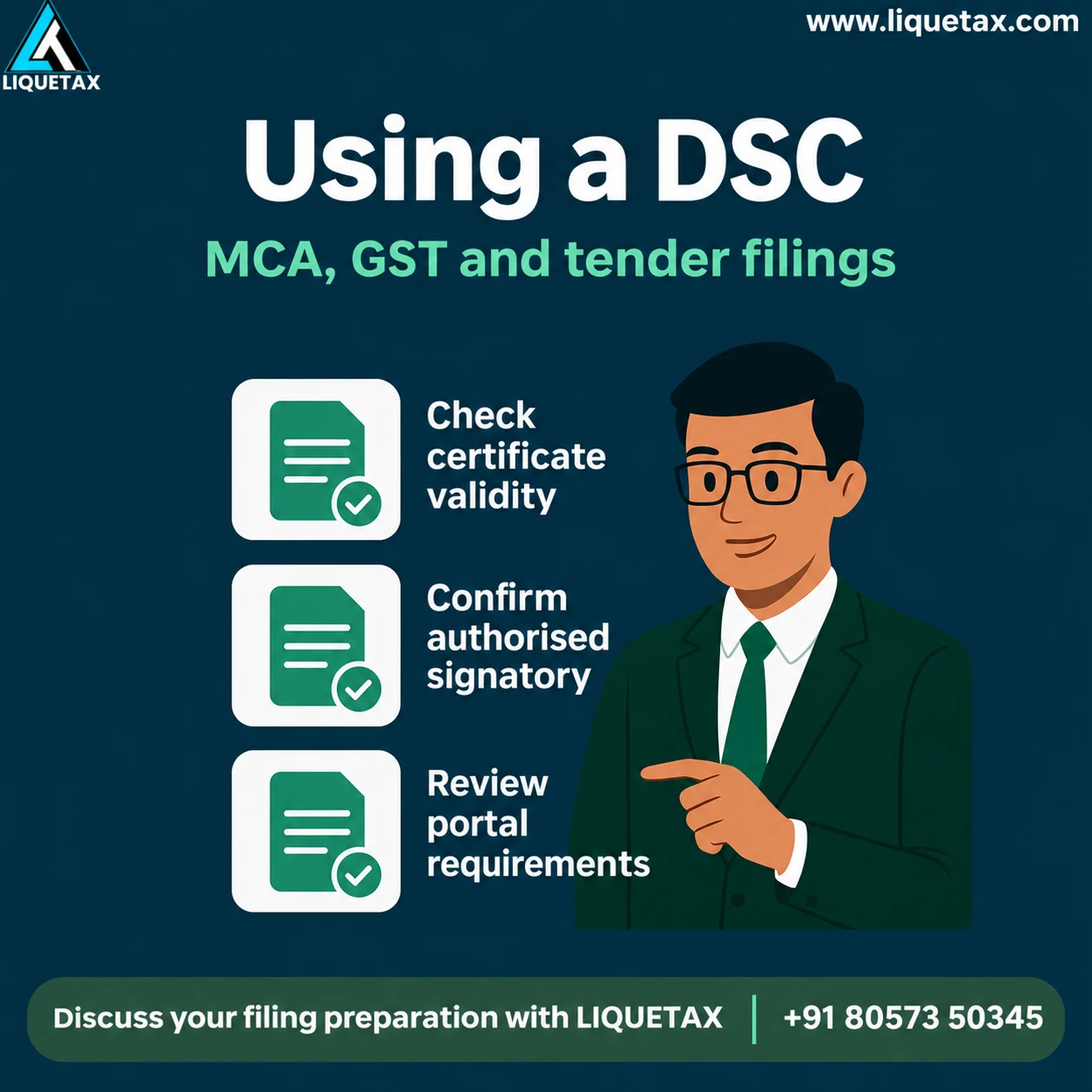
- 1. Check certificate
Confirm holder, validity and intended use.
- 2. Set up the portal
Follow its current registration instructions.
- 3. Review the record
Verify the document and authority to sign.
- 4. Sign and retain
Keep control and save the acknowledgement.
Understand whose certificate you are using
A DSC is connected to the certificate holder and issued through a licensed Certifying Authority. Confirm the name, identity particulars, validity and appropriate certificate type. An organisational filing may also require a particular role or authority on the portal.
The same person can have responsibilities in several businesses, but a signature should be used only for the action that has been authorised. Do not confuse possession of the token with permission to submit a company's declaration, bid or tax record.
Prepare the device and portal before the deadline
Follow the issuer's installation guidance and the filing portal's current instructions for utilities, registration or association of the DSC. MCA, GST and tender platforms may have different requirements. Check the actual portal instead of assuming one setup will work everywhere.
Test the permitted setup before a time-critical filing. Record a specific error message and the relevant certificate details if something fails. Avoid downloading signing utilities from an unknown forwarded link; use the authority or issuer's published route.
Review what the signature will confirm
Read the final form or document, the reporting period and the declarations. Confirm that the correct entity and signatory role have been selected. An apparently small selection error can change which business or person is associated with the submission.
For a tender, review the tender's actual signing, document-format and submission requirements. Keep the bid version that was approved. Uploading a file, signing it and completing submission are different actions; use the portal's acknowledgement to confirm what was completed.
Keep the token and private key under control
CCA guidance places responsibility for the private key with the subscriber. Keep the token and PIN under the holder's control and agree a controlled signing process when an adviser prepares the documents. Preparation support should not become unrestricted permission to sign future records.
Do not send token passwords in a casual message or leave the device permanently connected to a shared computer. If it is lost, compromised or no longer suitable for use, contact the issuer about the appropriate revocation or replacement steps. A change in staff or adviser should also trigger an access review.
Plan renewals and changes without shortcuts
Monitor certificate validity and renew through the proper issuer process. A renewed certificate may need fresh association with a portal. Update the signatory's authority and business records when roles change; renewing a certificate does not itself update every portal.
After filing, retain the final document, acknowledgement and applicable payment evidence. This gives the business an auditable record of what was signed and submitted, rather than relying on a screenshot that a token was detected.
DSC readiness checklist
| Check | Prepare |
|---|---|
| Certificate holder | Correct identity, validity and suitable certificate. |
| Filing authority | Business role and approval for the action. |
| Portal setup | Current utility and registration instructions. |
| Final document | Correct entity, period, figures and declaration. |
| Completion evidence | Submitted version and official acknowledgement. |
Illustrative example
Illustrative example: a founder renews a DSC before a tender but does not update its portal association. The token works on the computer, yet the bid cannot be signed through the portal. An early readiness check helps identify the missing portal step before the submission window closes.
Frequently asked questions
Is a DSC the same as a scanned signature?
No. A DSC is used in a cryptographic signing process. A scanned image does not provide the same certificate-based validation.
Will one installation work on every portal?
Not necessarily. Follow the current instructions for MCA, GST or the actual tender platform.
Can my preparer keep my token and PIN indefinitely?
Keep private-key control with the holder and use an agreed process for authorised signing. Avoid unrestricted custody.
Does signing prove the return or bid was submitted?
Check the portal acknowledgement and status. Document signing and completed submission can be separate stages.
What if the token is lost?
Contact the issuing Certifying Authority promptly about appropriate revocation or replacement and review relevant portal access.
Get clarity before your next filing
Bring the records listed above to a LIQUETAX conversation. Ask for the applicable work, documents, responsibilities and fee components in writing before you authorise a submission. Government charges, professional fees and applicable GST should be shown separately.
Book a conversationOfficial references
Check the linked authority for the rule, form and notification that applies to your facts and period. This guide explains preparation and does not record a professional opinion on an individual case.